Free · In development · Browser app
LumiNote
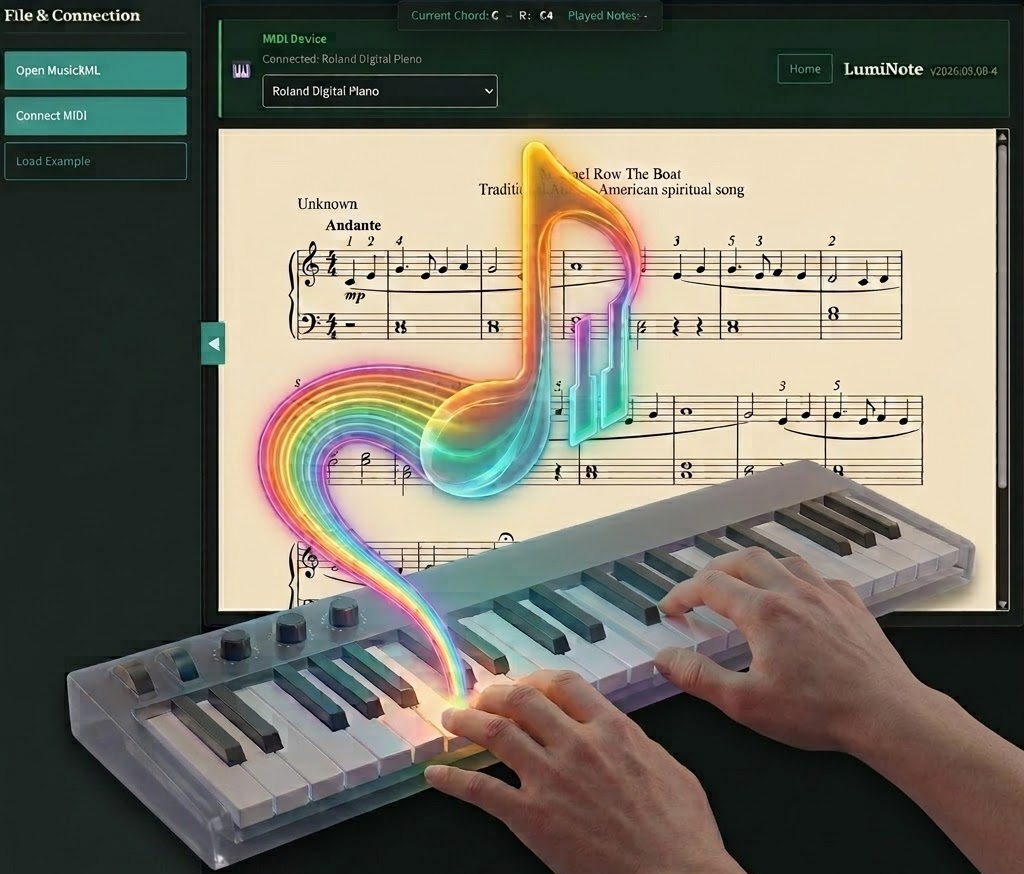
A playful piano practice tool: open a real MusicXML score, connect your MIDI keyboard, and get instant colour feedback as you play. Separate from Modus Practica — still evolving, free to try.
What it does
LumiNote renders sheet music from MusicXML and listens to your MIDI input. Notes are matched to the score in real time — green when correct, red when a required note is still missing — so you can practise sight-reading and passages with clear visual feedback. See the live app at parturamusic.com/luminote/luminote-app.html.
-
MusicXML scores
Open
.musicxml,.xml, or.mxlfiles, or load the built-in example. - Web MIDI Connect a USB MIDI keyboard in Chrome or Edge (HTTPS required). Pick your device from the list.
- Live feedback & stats Colour-coded notes plus progress, correct/wrong counts, and success rate while you play.
- Practice tools Select a region and loop it, set a start note, filter by staff (hand), linear view, pan, and adjustable tempo.
- Repertoire library Browse pieces organised by ABRSM-oriented grade levels (Grades 1–8) from the in-app library.
- Runs locally No account and no cloud upload — processing stays in your browser; optional localStorage for settings and stats.
What you need
- Chrome or Edge (Web MIDI support)
- MIDI keyboard (USB, or DIN via interface)
- A MusicXML score — or use Load Example / the repertoire library
- Speakers or headphones
Get started
Open the app, click Open MusicXML or Load Example, then Connect MIDI. Allow browser permission if asked, and play — the score follows your progress chord by chord.